Media Server
Settings → Media Server holds the extras cli_debrid can manage in Plex: collection posters and movie box sets, poster overlays, and replacing items people report through Plex.
Your Plex or Jellyfin/Emby connection itself is under Required Settings → File Management.
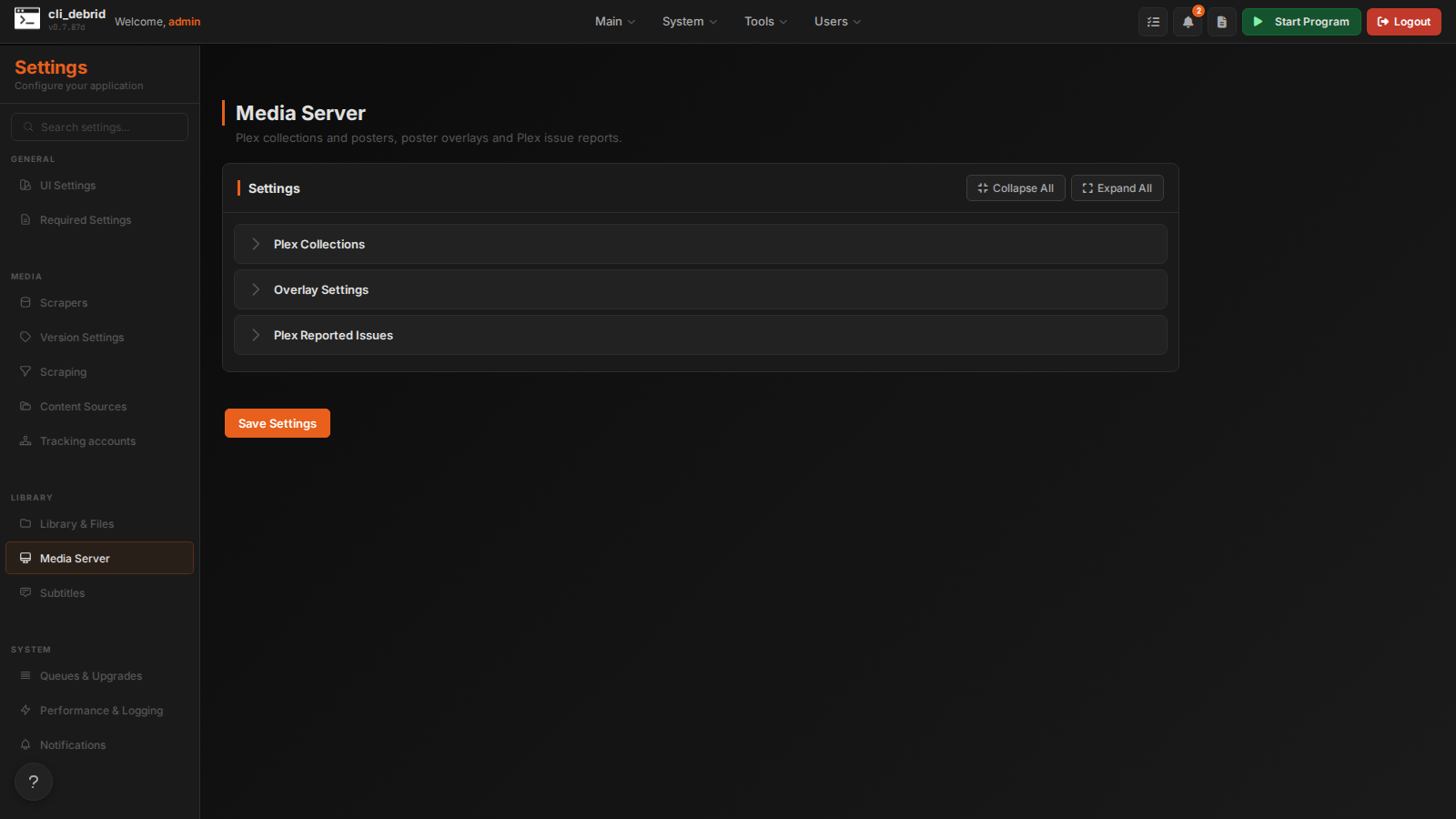
Plex Collections
Smart collection posters
Applies one custom poster design to Plex's built-in smart collections (genre, network, language and so on). See Plex Smart Collection Posters.
- Click Load Collections from Plex
- Tick the collections that should get the design
- Pick the design and adjust it
The task runs every 24 hours. Run Now runs it straight away, and Manage Posters re-applies the poster for a single collection.
| Setting | Default | Description |
|---|---|---|
| Poster Design | Plex default | Layout for every ticked collection. Leave it on "None" for Plex's own poster. |
| Poster Accent Color | — | Accent color used in the design. Unset uses the layout's default. |
| Card Overlay Opacity | 60% | Darkness of the fade at the bottom of each card on the poster |
| Accent Glow Opacity | 80% | Strength of the accent glow around the poster edges |
| Accent Glow Radius | 55 | How far the glow spreads (10–200) |
| Eyebrow Text | — | Small text above the collection title. Blank hides it. |
| Poster Icon | — | Icon on the poster. Blank uses the source's default icon. |
Movie box sets
Finds which TMDB franchise each of your movies belongs to, creates matching Plex collections with franchise posters, and can add the movies you're missing. See Plex Movie Box Sets.
| Setting | Default | Description |
|---|---|---|
| Enable Plex Movie Box Sets | Off | Manage box set collections automatically |
| Grab missing movies from box sets | Off | Add the franchise movies you don't have to the Wanted queue |
| Version to use when grabbing missing movies | Default |
Version used for those movies |
| Collection name pattern | {title} Collection |
{title} is the franchise name. E.g. {title} Box Set, {title} Saga |
| Minimum owned movies to create/keep a box set | 2 |
Box sets below this aren't created, and existing ones are removed |
| Collection sort order | Release date | How movies are ordered inside the collection |
Overlay Settings
Poster overlays add media-info badges to your Plex posters. The badges themselves are designed on the Overlays page.
| Setting | Default | Description |
|---|---|---|
| Overlays Enabled | Off | Turn on the overlay system and its sync tasks. Needs your Plex URL and token. |
| Textless Posters | Off | Start from a textless TMDB poster and add the title with the Title Logo badge. Falls back to the normal poster when TMDB has no textless one. |
| Plex Data Path | — | Plex Media Server's data folder (e.g. /config/Library/Application Support/Plex Media Server). Needed for the cleanup task to delete old uploaded posters. |
| Overlay Content Check Interval Days | 7 |
How often to re-check ratings and show status for changes that need a new overlay. 0 checks on every sync. |
| Sync Items Per Run | 200 |
Most shows and movies processed per sync. Higher clears a backlog faster, but each run takes longer. |
Plex Reported Issues
Replaces movies and episodes that people report with Plex's Report Issue (the … menu on an item).
| Setting | Default | Description |
|---|---|---|
| Enabled | Off | Send reported items back to Wanted to get a different release. The current file keeps playing until the new one is in. Reports already in Plex when you turn this on are left alone. |
| Reply To Reporter | On | Reply in the Plex report thread when the report is picked up, and again once the item is replaced |
The Replace items reported in Plex task on the Automation page follows this setting.