Calendar
The Calendar shows upcoming and recent media events — episodes airing soon, movies releasing, and what's already been collected — in a visual calendar format.
Access it from the Calendar → links on the Dashboard's Recently Aired and Airing Soon sections, or directly from the navigation.
Views
Toggle between two views using the Simple and Advanced buttons. Your preference is remembered across page loads.
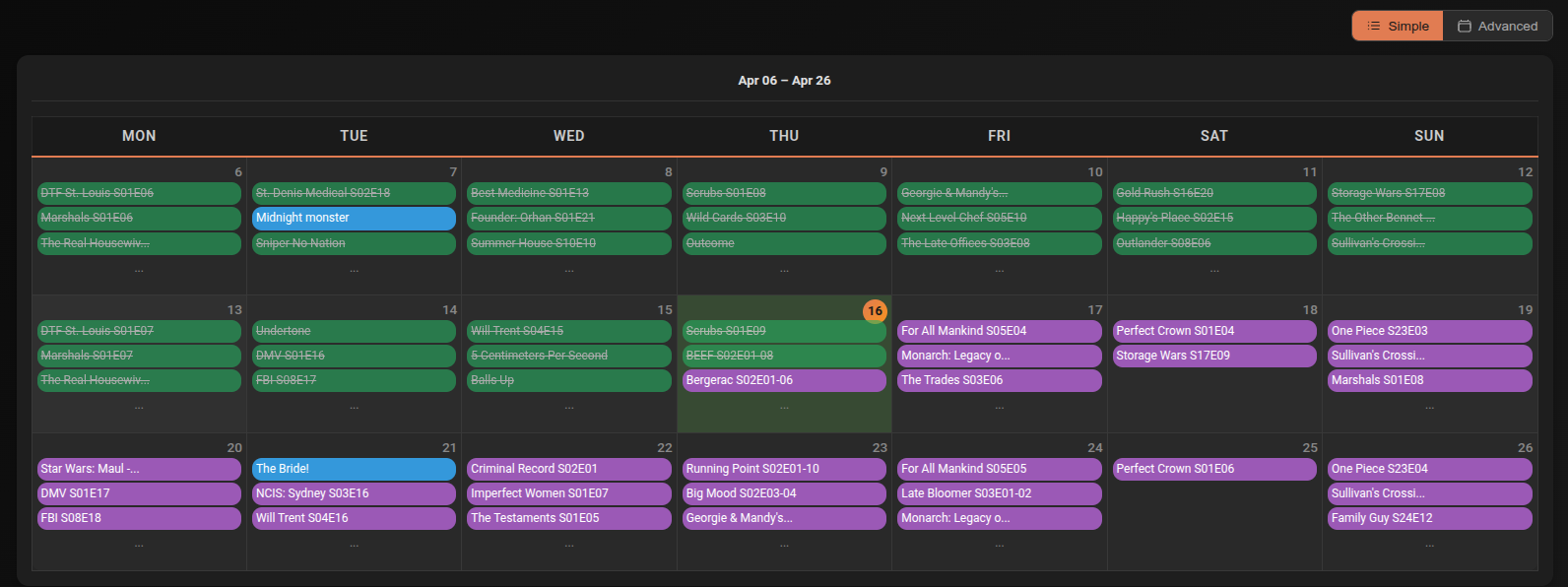
A 3-week grid showing Mon–Sun columns with events per day. Up to 3 events are shown per cell — if there are more, a ... indicator appears.
Below the grid, a timeline shows events for yesterday, today, and tomorrow in chronological order with time, title, category, and status badge.
Click any day cell to open a modal showing all events for that day.
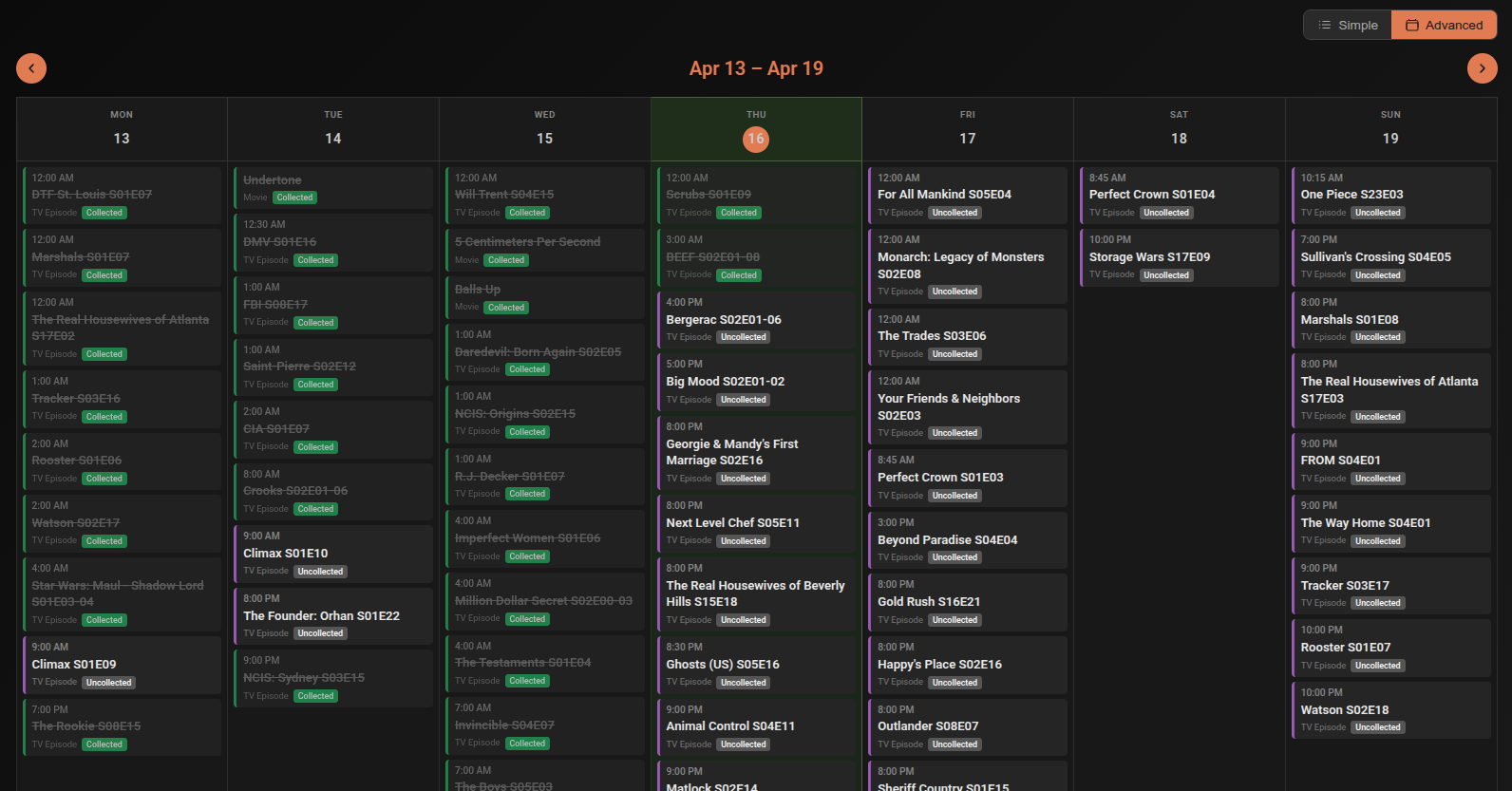
A full week view with slide animation when navigating between weeks. Navigate up to 2 weeks forward or backward using the ← → buttons.
On mobile, switches to a single-day view — use the day navigation arrows to move between days.
Event data
Each event shows:
- Time — scheduled air time or release time (or "All Day" if no specific time)
- Title — movie or episode name
- Category — Movie or TV Episode
- Status badge — colour-coded based on current state (collected, checking, not started, etc.)
Clicking an event
| Item state | Where it links |
|---|---|
| Collected, Upgrading, Checking Upgrade | Opens the item in the Library |
| Not yet collected (has TMDB/IMDB ID) | Opens the item in Discover details |