Dashboard
The Dashboard is the home screen of cli_debrid. It gives you a real-time snapshot of your collection, active downloads, and what's airing soon.
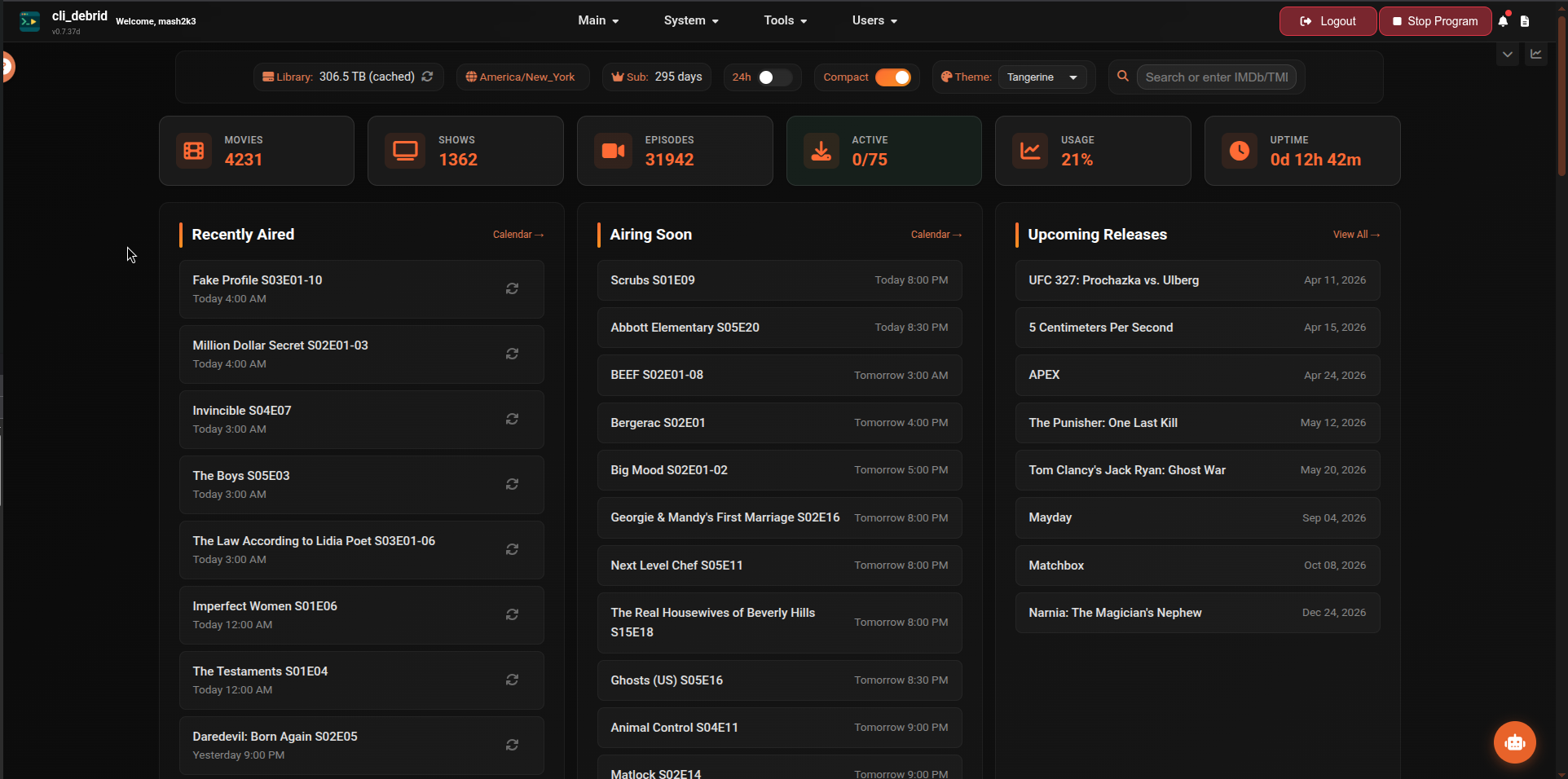
Statistics cards
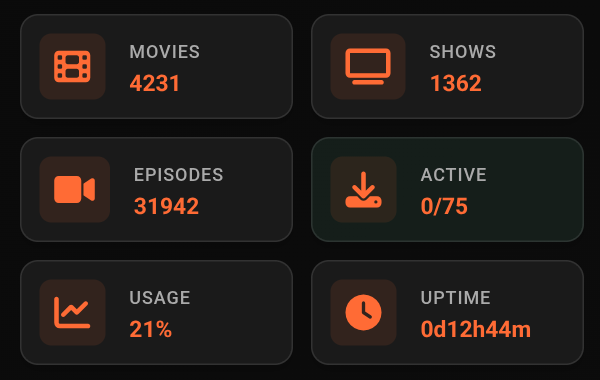
The top row shows summary counts for your entire library:
| Card | Description |
|---|---|
| Movies | Total collected movies — click to open the Movies library |
| Shows | Total TV shows with at least one collected episode — click to open the Shows library |
| Episodes | Total collected episodes |
| Active Downloads | Current downloads / max slot limit — click to open the Debrid Manager Active tab |
| Usage | Current debrid storage usage — click to open the Debrid Manager Usage tab |
| Uptime | How long cli_debrid has been running since last restart — click to open the Performance Dashboard |
Recently Aired
Episodes from your collected TV shows that aired recently. Each entry shows the episode title, season/episode number, and air time.
| Status | Meaning |
|---|---|
| Normal text | Episode is collected |
| Dimmed text | Episode is not yet collected |
| Checking upgrade style | Episode is currently being checked for an upgrade |
Each episode has action buttons depending on its status:
| Button | Appears when | Action |
|---|---|---|
| Search (magnifying glass) | Uncollected or checking upgrade | Manually trigger a search for this episode |
| Refresh (up arrow) | Checking upgrade only | Move back to Wanted state |
| Rescrape (circular arrow) | Collected | Re-queue for a fresh scrape |
Click any episode to open the show detail page. The Calendar → link opens the full Calendar view.
Airing Soon
Episodes from your collected shows scheduled to air in the coming days. Useful for seeing what cli_debrid will be looking for shortly. Shows the episode title and scheduled air time.
Click any episode to open the show detail page. The Calendar → link opens the full Calendar view.
Upcoming Releases
Movies with known upcoming release dates. Shows the title and release date. Click any item to open its detail page.
The View All → link opens the Library filtered to upcoming releases.
Recently Added Movies & Shows
Poster cards for the most recently collected movies and TV show episodes. Each card shows:
- Title and year
- Season/Episode number (shows only)
- Version, file size, and collection date (shown on hover, or always visible in Compact View)
- Filename
Click any card to open the item's detail page. The View All → link opens the Library filtered to recently added.
Recently Upgraded
Poster cards for items that were recently upgraded to a better quality version. Each card shows:
- Title, version, size, and upgrade date
- From: the previous file
- To: the new upgraded file
Click any card to open the item's detail page. The View All → link opens the Library filtered to upgraded items.
View options
- Compact view — reduces card spacing for a denser layout (toggle in Settings → UI Settings)
- Time format — switch between 12-hour and 24-hour display
- The dashboard auto-refreshes in the background — no manual reload needed