Tracking accounts
Settings → Tracking accounts holds your accounts on list and tracking services: MDBList, Trakt, Scrob, Floppy and Simkl. Content sources and Discover use them. Each service is a sub-section of one card. All of them are optional.
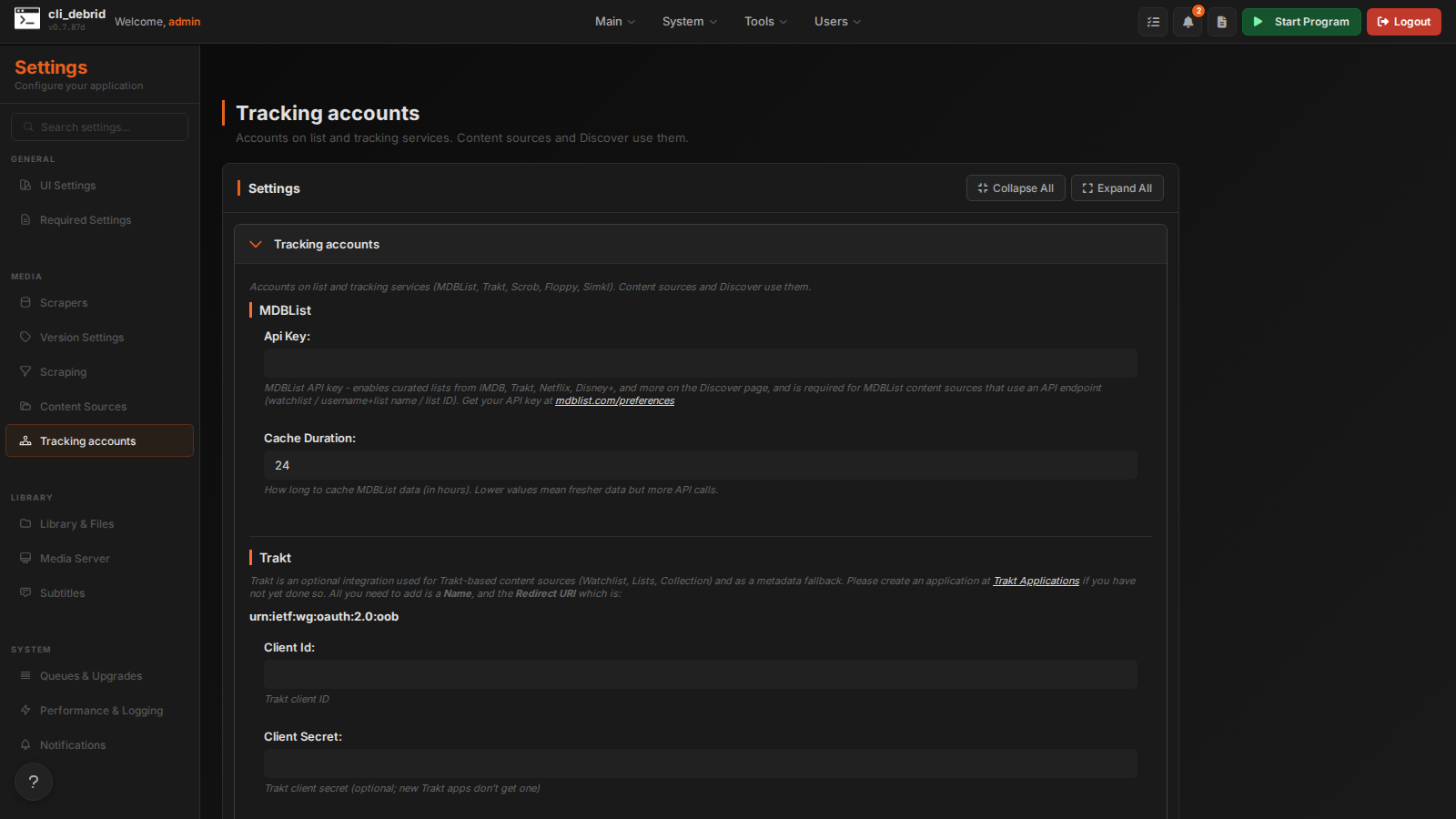
MDBList
| Setting | Default | Description |
|---|---|---|
| API Key | — | Enables curated lists (IMDb, Trakt, Netflix, Disney+ and more) on Discover, and MDBList content sources that use the API (watchlist, username + list name, list ID). Get one at mdblist.com/preferences. |
| Cache Duration | 24 |
Hours to cache MDBList data. Lower is fresher but uses more API calls. |
Trakt
Trakt is optional. It's used by Trakt content sources (Watchlist, Lists, Collection) and as a fallback for metadata when no TVDB key is set. cli_debrid starts and runs its queues without it.
| Setting | Default | Description |
|---|---|---|
| Client ID | — | Your Trakt application's Client ID |
| Client Secret | — | Optional. New Trakt applications don't get one. |
Setting up Trakt
- Go to trakt.tv/oauth/applications and click New Application
- Enter a name (e.g.
cli_debrid) and set the Redirect URI tourn:ietf:wg:oauth:2.0:oob - Copy the Client ID (and the Client Secret, if your app has one) into the settings and save
- Click Authorize Trakt. cli_debrid shows a code
- Enter the code at trakt.tv/activate
Scrob
Scrob is a self-hosted Trakt alternative, used by the Scrob Lists, Collection and Special Lists content sources. The connection is shared by every Scrob source.
| Setting | Default | Description |
|---|---|---|
| Url | — | Your Scrob instance, e.g. http://192.168.1.24:7330 |
| Api Key | — | From Settings → Connections → API Key in Scrob. Covers everything needed to sync content in. |
| Username / Password | — | Optional. Only needed so cli_debrid can remove items from Scrob when you delete them from your library; Scrob only allows deletions from a logged-in session. |
Floppy
Floppy is a self-hosted media tracker, used by the Floppy Watchlist and Floppy Lists content sources.
| Setting | Default | Description |
|---|---|---|
| Url | — | Your Floppy instance, e.g. http://192.168.1.24:8000 |
| Api Key | — | Your Floppy API token (Floppy → Settings → Integrations / API) |
Click Test Floppy to check the connection.
Simkl
Used by the Simkl Watchlist content source.
| Setting | Default | Description |
|---|---|---|
| Client Id | — | Your Simkl app's Client ID |
| Client Secret | — | Only for apps registered as "Server apps & services". Leave it blank for "TV, devices & command line" apps. |
Setting up Simkl
- Create an app at simkl.com/settings/developer (Auth V2, type TV, devices & command line)
- Paste its Client ID and save
- Click Sign in to Simkl and enter the code it shows