Skip to content

Scraping

Settings → Scraping holds the scraping settings that apply to every version, plus filtering and the blacklist. Per-version rules (resolution, size, scoring weights, filter terms) are under Version Settings.

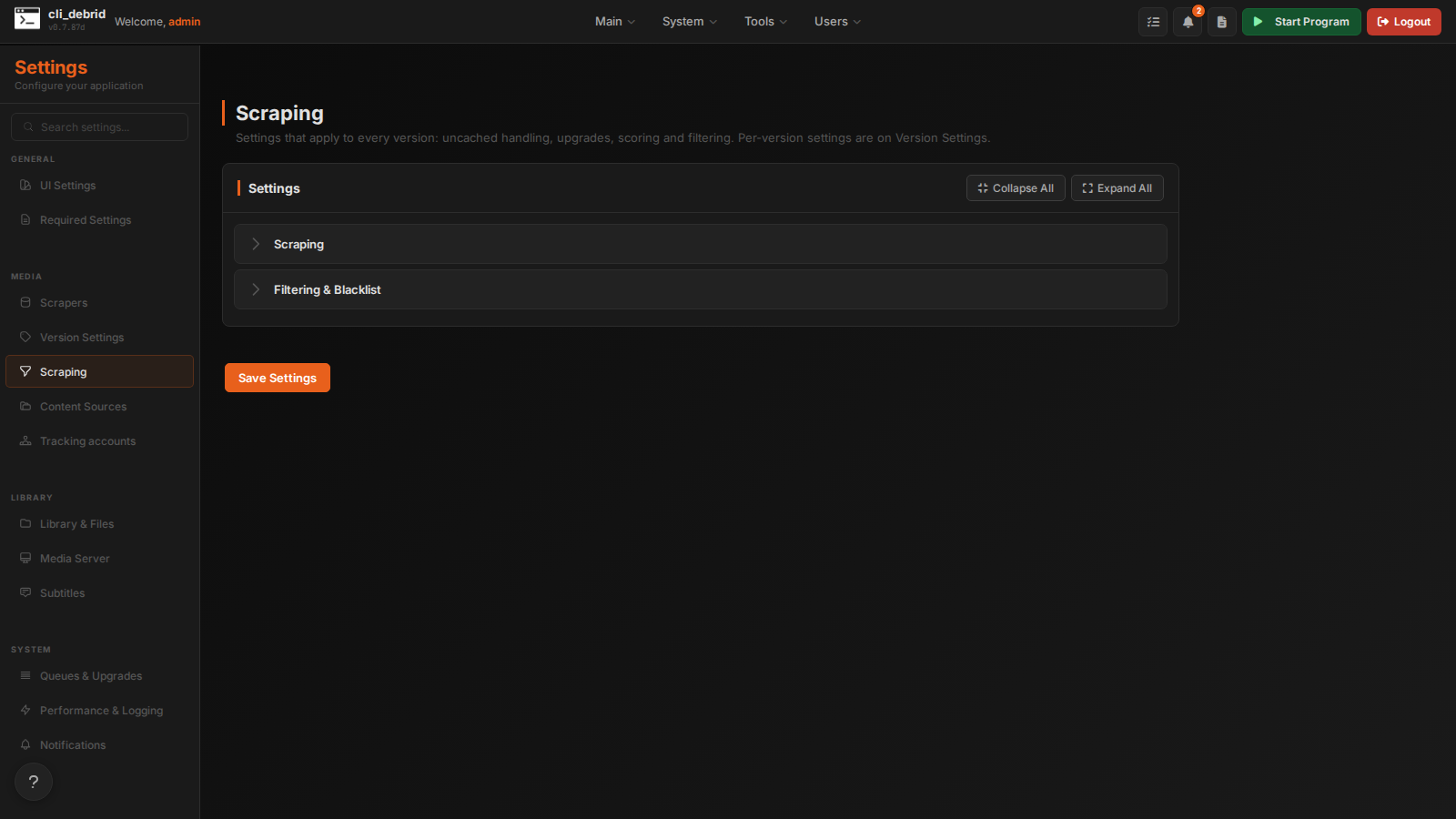
Scraping settings page


Scraping

These used to be under Version Settings → Other Scraping Settings and the old Advanced Settings page. They are global: they apply to all versions.

Uncached content and filtering

Setting Default Description
Uncached Content Handling None Debrid only; no effect on usenet. None: only take the best cached result. Hybrid: take the best cached result, and the best uncached one if nothing is cached. Full: take the best result, cached or not.
Accept Uncached Within Hours 0 Accept uncached releases for items released within the last X hours, whatever the setting above. 0 turns it off.
Filter Trash Releases On Drop releases the parser marks as trash (typically low-quality or badly named)
Minimum Scrape Score 0.0 Results scoring below this are dropped. Scores come from the version's weights. 0.0 accepts any score.
Disable Adult On Filter out adult content
Enable Seadex Priority Off For anime, prefer the release SeaDex lists as best for the title over cli_debrid's own scoring. Only for items detected as anime, in versions whose Anime Filter Mode isn't "Non-Anime Only".
Trakt Early Releases Off Check Trakt for early releases
Trakt Rate Limit Enabled On Rate-limit Trakt calls to avoid 429 errors. Detects VIP or free tier on its own. Leave it on.
Scraper Timeout 5 Seconds to wait for each scraper (0 = no timeout). Raise it for slow scrapers such as AIOStreams.
Upgrading

Setting Default Description
Enable Upgrading Off Replace a collected item when a better release turns up
Upgrading Percentage Threshold 0.1 How much better a result must score to count as an upgrade, as a decimal. 0.1 means at least 10% higher.
Delayed Upgrade Scrape Days 0 Wait this many days, then try one upgrade scrape. 0 turns it off.
Enable Upgrading Cleanup On After a successful upgrade, remove the original from your debrid provider

Scoring and sorting

Setting Default Description
Ultimate Sort Order None Sort results by file size instead of score (Size: large to small or Size: small to large). Best left at None.
Emphasize Number of Items Over Quality On When ranking packs, favour how many wanted items a result covers over its quality
Delayed Scrape Based On Score Off For a while, only accept results above Delayed Scrape Minimum Score; after that, accept lower-scored ones
Delayed Scrape Time Limit (Hours) 6.0 How long the setting above holds out for a better score
Delayed Scrape Minimum Score 0.0 The score the delayed scrape waits for. Separate from Minimum Scrape Score, which always drops low scores.
Scale Final Scores Off Scale final scores to 0–100

Strategy

Setting Default Description
Enable Reverse Order Scraping Off Scrape items in reverse order
Enable Alternate Scraping Time Strategy Off Instead of scraping by queue offsets, airtime and release date, scrape everything released in the 24 hours before a set time each day
Alternate Scrape Time (24h format) 00:00 The daily time used by the alternate strategy
Skip Initial Multi-Scrape for New Content Off Skip the first multi-provider scrape for content released in the past 7 days

Filtering & Blacklist

Setting Default Description
Filename/Folder Name Filter Out List — Comma-separated file or folder names to filter out
Disable Unblacklisting On While on, blacklisted items stay blacklisted. Turn it off to retry them once Blacklist Duration has passed.
Blacklist Duration (Days) 30 Days before a blacklisted item is retried, when unblacklisting is on
Unblacklisting Cutoff Date — Only unblacklist items released after this date (YYYY-MM-DD), or within the last X days (e.g. 30). Empty means all.

The Sanitizer Replacement Character is under Library & Files → File System.